Microsoft 365 administration
User accounts, email, access settings and security basics to help your team work smoothly and safely.
Discuss Microsoft 365 ↗Diekri Technology helps small businesses and households in Invermere and the Columbia Valley keep computers, Wi-Fi, Microsoft 365 and backups working smoothly—with practical advice, personal service and ongoing care options.
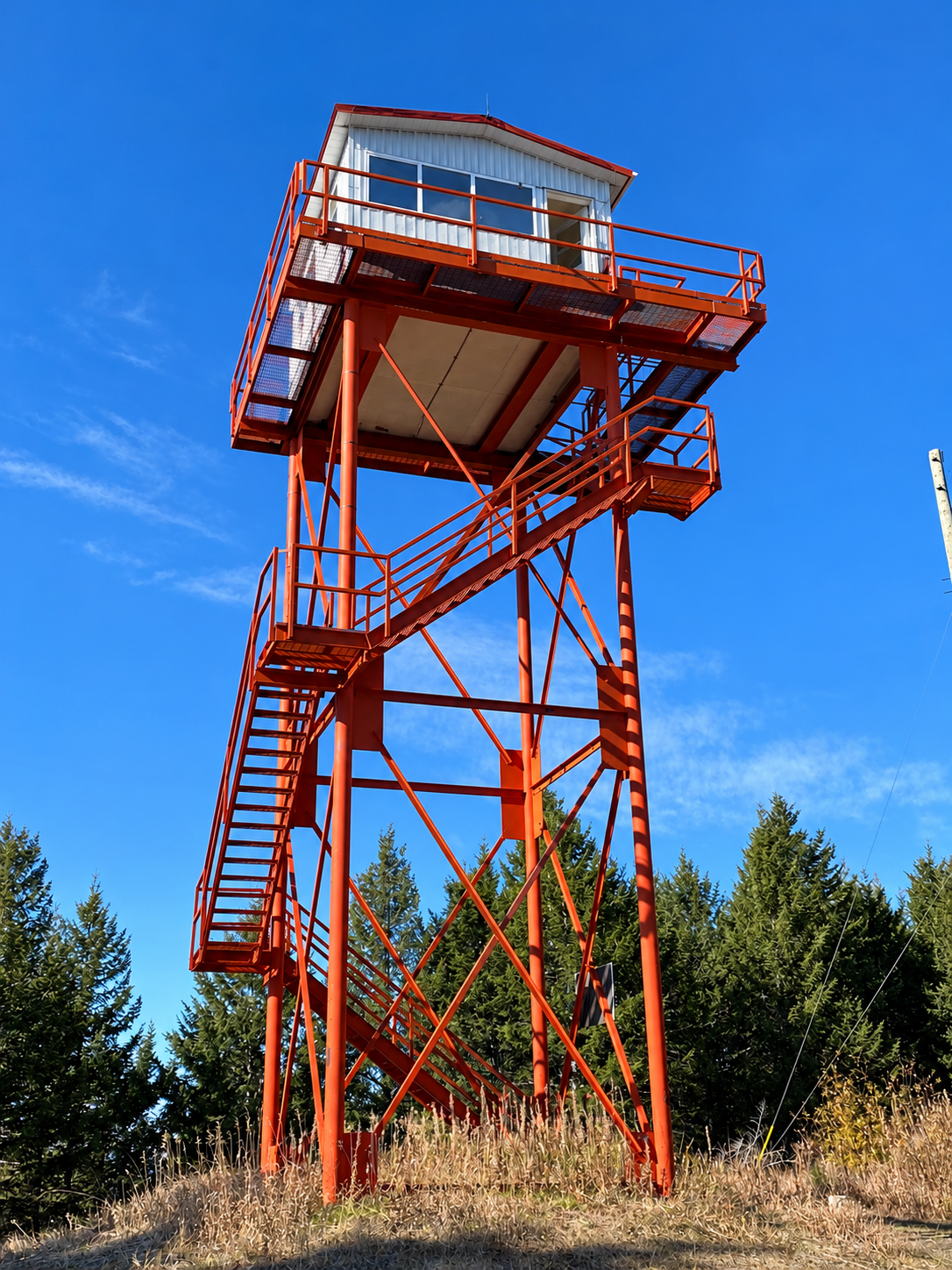
Diekri Technology is proud to serve the people and small businesses of the Columbia Valley. These are a few views of the place we call home.



Start with a focused IT assessment or get help with a specific issue. For businesses that want fewer surprises, ongoing care brings routine maintenance and security checks into the picture.
User accounts, email, access settings and security basics to help your team work smoothly and safely.
Discuss Microsoft 365 ↗Practical endpoint upkeep, update checks and security hygiene to reduce avoidable technology problems.
Review device care ↗Review backup status and discuss restore testing so you have a clearer picture of how your business could recover.
Review your backups ↗Help with business connectivity, routers, wired and wireless networks, and the devices that depend on them.
Improve your network ↗Practical troubleshooting and hands-on help for day-to-day issues, planned work and technical projects.
Arrange support ↗Independent guidance on computers, equipment, upgrades and IT projects sized for a small business.
Plan an upgrade ↗Basic, straightforward websites for small businesses that need a clear online presence, with help getting the site hosted and online.
Discuss a simple website ↗Simple graphics and visual materials for small businesses, such as basic promotional pieces, web graphics and straightforward layout work.
Discuss a design project ↗From a computer that is running slowly to safer devices, reliable Wi-Fi and help setting up a new laptop, get approachable local support for the technology you rely on at home. One-time help and recurring care can be discussed based on your needs.
Routine device health checks, updates, performance troubleshooting and practical advice to help your computer stay dependable.
Ask about computer care ↗Improve coverage and connectivity, troubleshoot dropouts and get help connecting printers, smart TVs and other household devices.
Get Wi-Fi help ↗Review updates, account security and backup arrangements, with clear recommendations for reducing common risks and protecting important files.
Review my setup ↗Help choosing a suitable computer and moving files, setting up accounts, email, printers and essential applications.
Plan a new computer ↗Get help with everyday computer problems remotely where practical, or arrange an in-home visit when hands-on assistance is needed.
Request support ↗Ask about a recurring check-in for agreed maintenance and support, tailored to your devices and priorities rather than an unlimited-support promise.
Discuss ongoing care ↗Home IT Care can be arranged as one-time support or a defined recurring service. The exact scope, visit arrangements and any fees are confirmed before work begins. Hardware, software licences, data recovery and larger projects may be charged separately.
Small businesses often need consistent IT attention without hiring an in-house technician. A defined monthly care plan can cover routine administration and checks, with larger projects and out-of-scope work quoted separately.
A practical starting point
For a small operation that wants a regular IT check-in and a defined baseline of routine care. Exact users, devices and included tasks are agreed up front.
Ask about Essential Care ↗A balanced level of ongoing support
A good place to start for Microsoft 365 administration and security checks, endpoint maintenance, and backup-status review with agreed reporting.
Discuss Business Care ↗Broader recurring care
For businesses needing a broader agreed scope of recurring checks and administration. Requirements and service limits are confirmed after an assessment.
Explore Care Plus ↗Every business is different. After a short assessment, you’ll receive a clear proposal based on your users, devices and support needs. Monthly plans have a written scope defining included work, response expectations and exclusions. Projects, hardware, licensing and recovery work may be billed separately. Backup reviews do not guarantee recoverability; recovery testing must be specifically agreed.

Diekri Technology brings a personal, hands-on approach to small-business IT. The goal is not to sell complexity—it is to understand your operation, look after the essentials and help you make sensible technology decisions.
With a Bachelor of Science degree in Computing Science, CompTIA A+ certification and over 30 years of personal IT experience, Diekri Technology combines formal education, recognized technical credentials and hands-on expertise.
Work directly with a local IT professional who takes time to understand your situation.
Clear explanations and options, without unnecessary jargon or pressure.
Recurring support can cover agreed routine checks, while projects and work beyond the plan are quoted separately—no vague promise of unlimited IT.
A low-pressure way to understand your needs, tackle immediate issues and decide whether ongoing care makes sense.
Talk through your setup, recurring pain points, Microsoft 365, devices and backup approach.
Prioritize practical fixes and receive a defined scope for any one-time work or monthly care plan.
Start with a specific project, use support as needed, or establish an ongoing plan with clear boundaries.

Book a focused business IT assessment and identify practical next steps—whether you need a one-time fix or a manageable monthly care plan.
Tell us a little about your business, the systems you rely on and what you'd like to improve. Residential computer repair and one-time support are welcome too.